Your footage. A first cut.
Edit by hand or by prompt, grade to your references, on your Mac.
 Cu.
What are we cutting?
A reel to cut like, a folder of footage, and a line of direction.
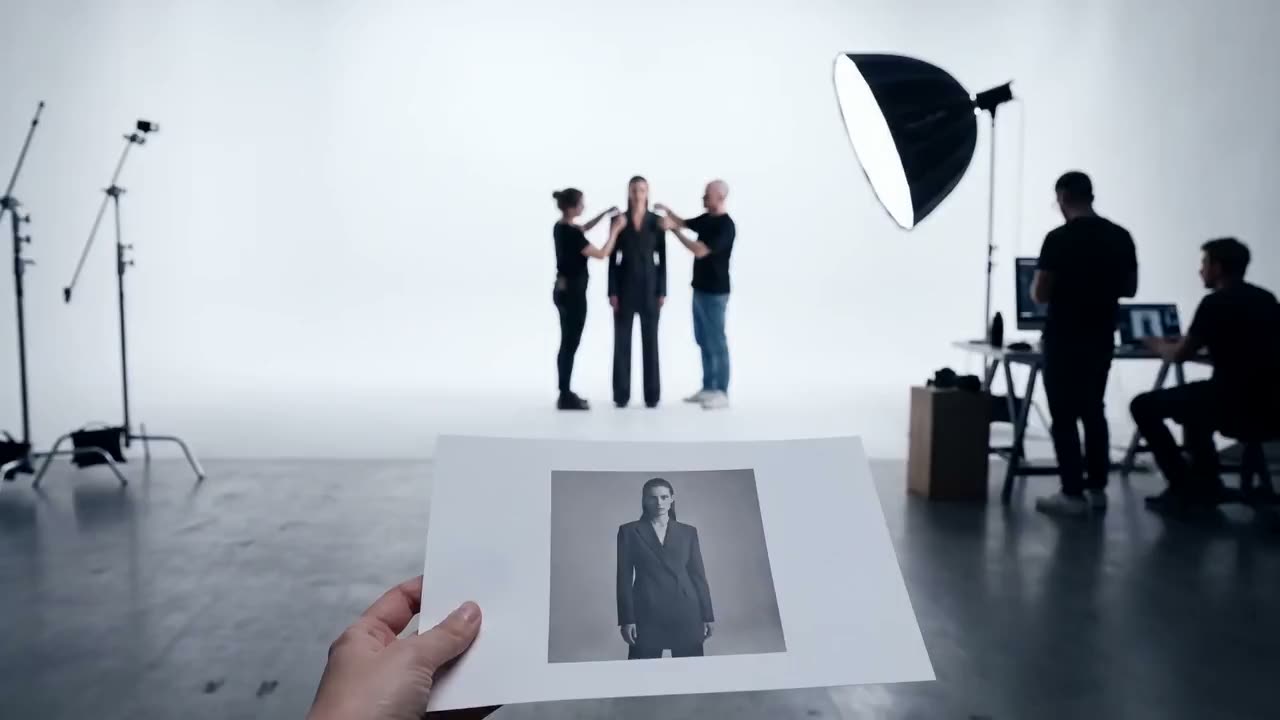
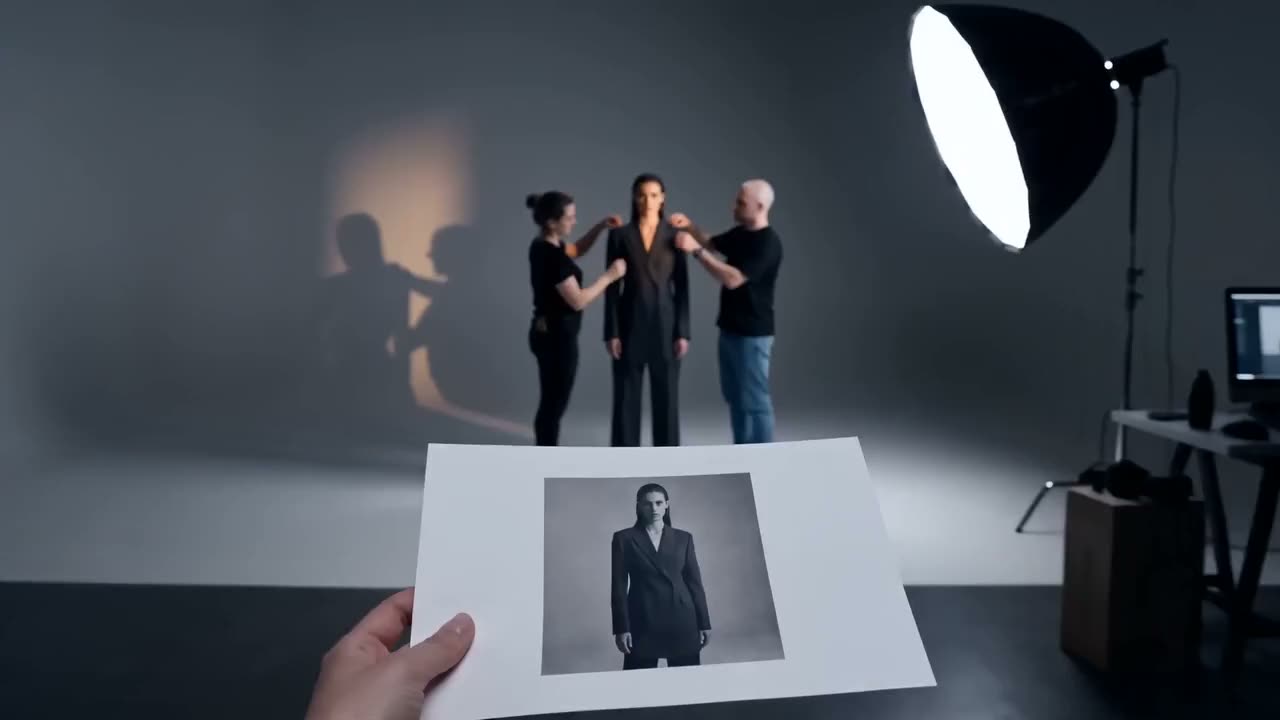
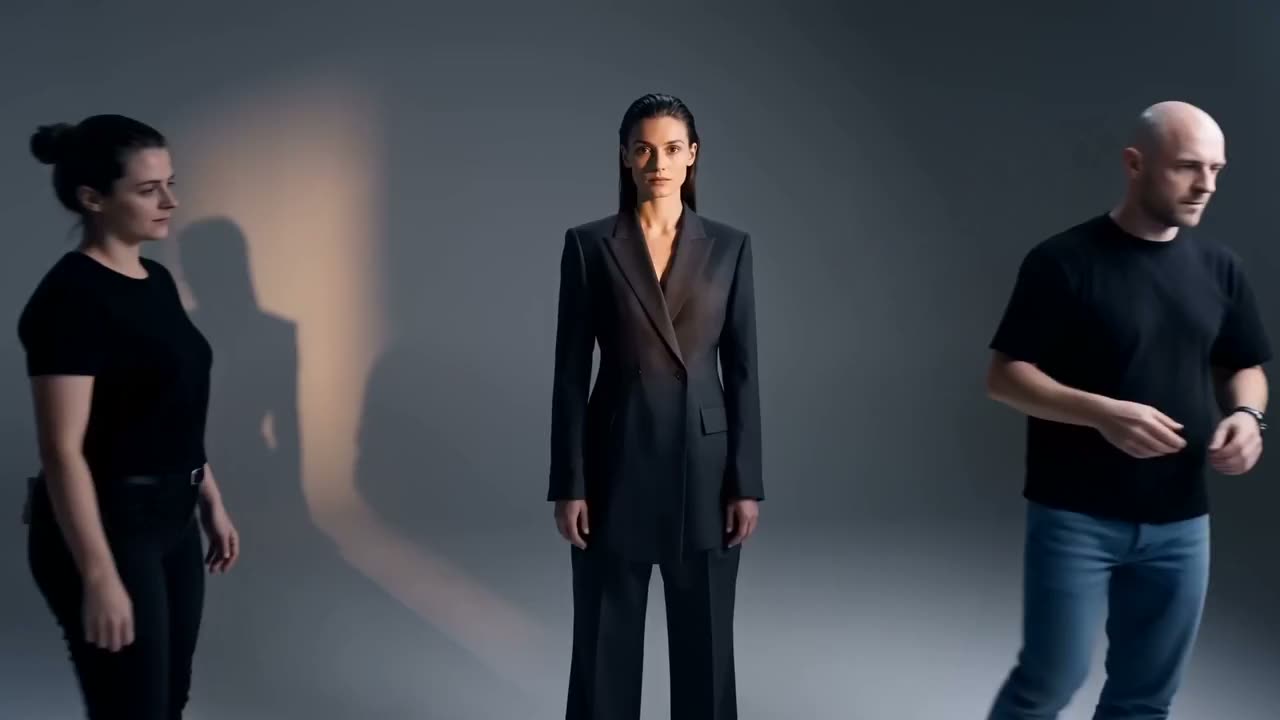
A reel in, a cut out.
Give Cut a reel you like, a folder of footage and a line of direction. It shows each step as it works.
- 01Reads the reference
Its shots, its pace and where its cuts fall on the sound.
- 02Chooses the shots
From your footage, for the line of direction you wrote.
- 03Cuts to the sound
On a timeline matched to the music, or the footage's own sound.
Describe a move. Pick a take.
Add your logo and say what it should do. Cut writes three takes and draws each on your Mac with transparency, ready to sit on the edit. Or add a ProRes file you already have.
Cu.Maison Vale0:14.6 / 0:15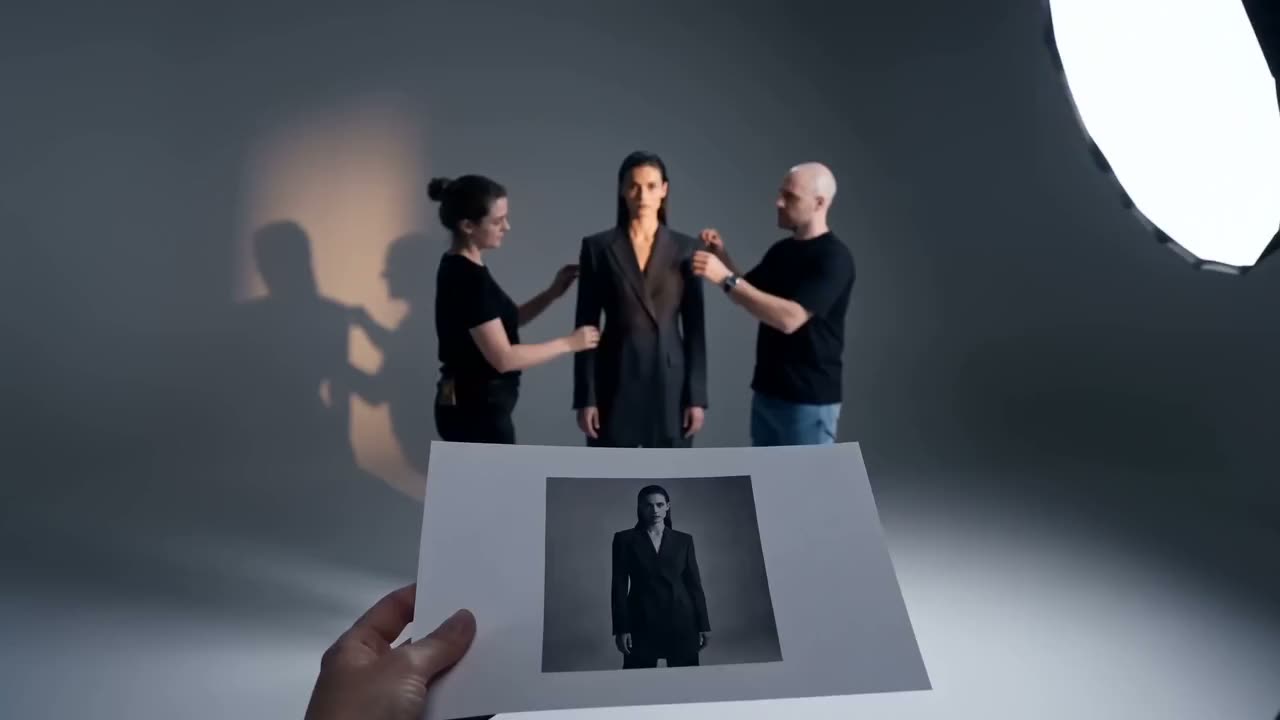
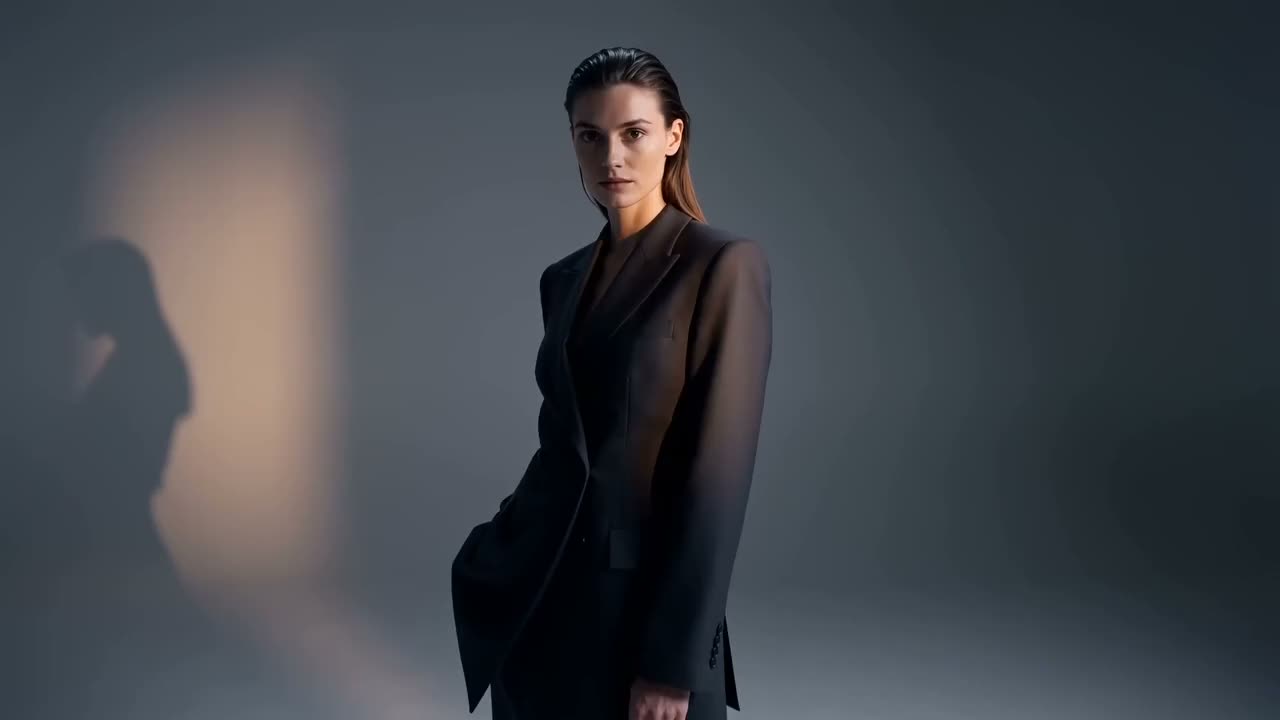
By hand, or by prompt.
Drag it where it belongs.
- Drag a shot to move it, drag an edge to trim
- Split a shot, take one out, undo and redo
- Snap edges to the beats of the music
Say the change.
- Ask for a change in words
- Every change is a version
- Restore any earlier cut
Four shapes from one cut
9:16, 4:5, 1:1 and 16:9, with safe areas for Reels and TikTok on 9:16.
Social video, ready to post
H.264 files at up to 1080p, each named before you export.
A ProRes master
ProRes 422 HQ at the source's size, up to 4K.
Your originals stay put
Footage stays in Dropbox, on the Desktop or wherever it lives. Cut only reads it.
Two people, one cut.
Each person runs Cut on their own Mac, and the cuts sit in your shared folder. The first to open a cut edits it. The second can watch, with each change arriving as it is made.
Ines has this cut open on Ines's MacBook Pro. You can watch; changes are off until they close it.
The short answers.
What does Cut do?+
You give it a reel to cut like, a folder of footage and a line of direction. It builds a first cut on a timeline matched to the sound. You edit by hand or by prompt, grade, add motion and export.
Does it change my originals?+
No. Cut only reads your footage, wherever it already lives. It writes inside the project folder you chose.
What does the AI do?+
Opus 5.5, by Anthropic, builds the first cut, makes a change when you ask in words, and writes the motion takes. The grade, the shapes, the drawing of motion and every export run on your Mac.
What does it export?+
Social video at up to 1080p in 9:16, 4:5, 1:1 and 16:9, and a ProRes 422 HQ master at the source's size.
Can two people work on one cut?+
One edits at a time. The second person can watch, with each change arriving as it is made.
When can I use it?+
Cut is coming to macOS. Write to hello@creativeconstant.com and ask.
One login, every app.
- OSComing soonYour team and its agents in one place.
 PlanLiveCalendar, grid preview, captions and client sign-off.
 ProofLiveAnnotate, version and sign off.
 CutComing soonA video edit app that runs on your Mac.
 DreamComing soonMood, composition, light and subject.
 RenderComing soonE-commerce solution. Every new SKU matches the last.
Your footage. A first cut.
Constant Cut is coming to macOS.